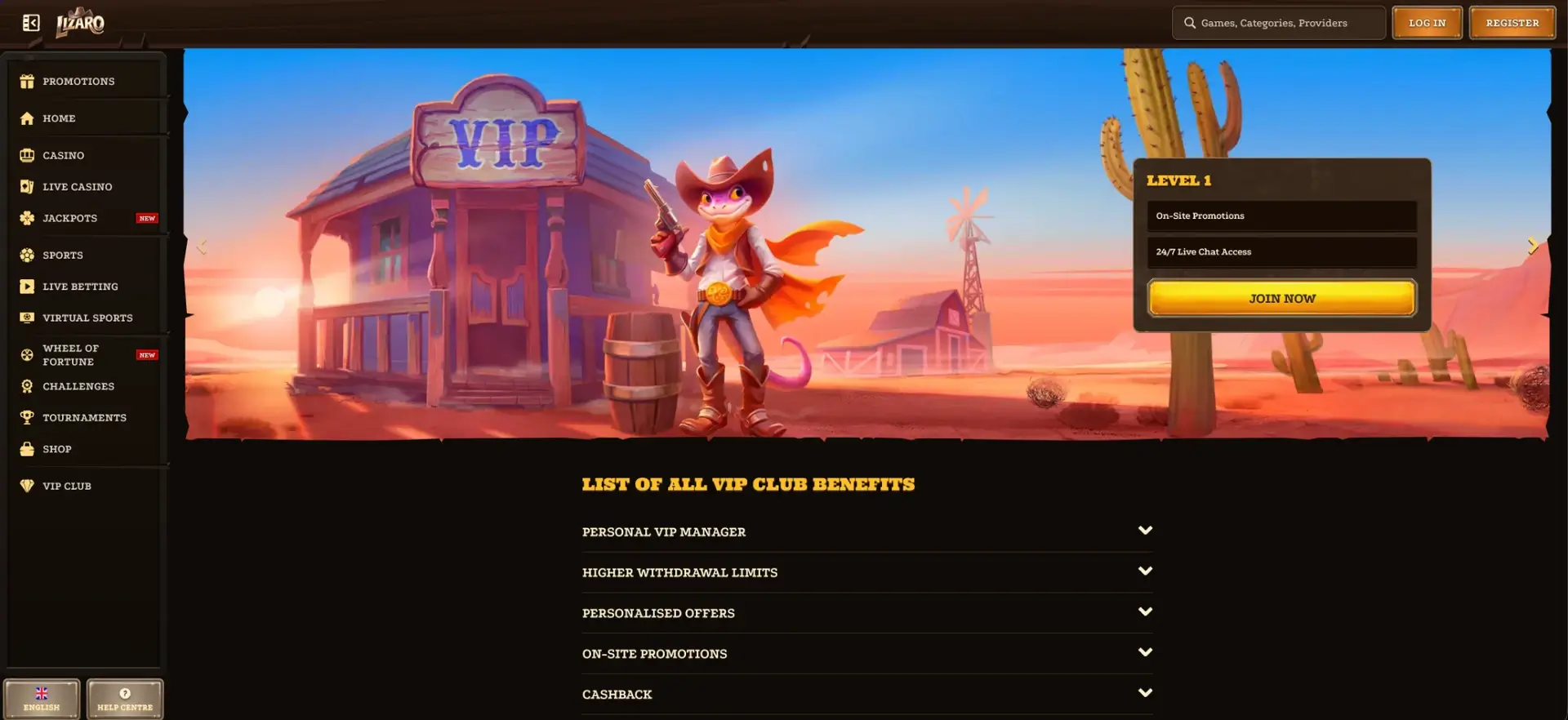
There is no native Lizaro app to download from the App Store or Google Play. The casino runs entirely in a mobile browser: Safari or Chrome on iPhone, and Chrome, Firefox or Samsung Internet on Android. The mobile site offers the same catalogue of over 11,000 slots, live casino, sports betting, cashier, challenges, rewards shop and VIP Club as the desktop version. To open it like an app, you can add a Lizaro shortcut to your phone's home screen. This takes less than a minute and requires no installation file.
This guide explains how to access Lizaro on mobile, create a shortcut on iOS and Android, explore the mobile features, make deposits and withdrawals from a smartphone, and avoid APK files advertised by third-party sites.
Important for readers in Great Britain: No UK Gambling Commission (UKGC) operating licence has been verified for Lizaro. An overseas licence alone does not authorise an operator to offer online gambling to consumers in Great Britain. The details below describe the platform, not confirmed availability to UK residents. Monetary figures are approximate sterling equivalents of the original euro amounts, not verified GBP payment terms.
| Feature | Lizaro Mobile Version |
|---|---|
| Download required | No; the site works in a browser |
| iOS app (App Store) | Not available |
| Android app (Google Play / official APK) | Not available |
| Home-screen shortcut | Available on iPhone, iPad and Android |
| Game catalogue | Same as desktop, with over 11,000 slots |
| Live casino | Available, including the Gold Saloon room |
| Sports betting | Pre-match, in-play and virtual sports |
| Cashier | Deposits from £8.50; withdrawals up to £4,250 per transaction (indicative GBP equivalents) |
| Bonuses and promotions | All offers, challenges, shop and tournaments |
| Updates | Automatic; nothing to install |
| Security | SSL encryption, as on desktop |
| Phone storage used | None beyond the browser cache |
Is There a Lizaro App for Android or iOS?
No. Lizaro does not publish a native app on Apple's App Store or Google Play, and it does not offer an official APK file on its site. App-store rules help explain this: Apple and Google restrict real-money gambling apps to jurisdictions in which the operator is appropriately licensed. In Great Britain, an online casino needs a UKGC licence to serve local customers; an international licence is insufficient. Lizaro's UK authorisation has not been established.
The browser version therefore takes the place of an app. It is designed for touchscreens: the layout adjusts to screen width, while the menu provides access to every section.
How to Access Lizaro on Mobile
Mobile access requires no special setup. For a first visit, the process is:
- Open your phone's browser (Safari, Chrome, Firefox or Samsung Internet).
- Enter Lizaro's official website address or follow a verified email link.
- Tap Log in to access an existing account or Register to create one, where legally permitted.
- During registration, select a casino bonus, sports bonus, promo-code option or no welcome bonus.
- Open the top-left menu to switch between Casino, Live Casino, Sports, Promotions and the other sections.
Add Lizaro to Your Home Screen
A home-screen shortcut acts as an alternative to an app. It places an icon on your phone which opens the site directly, without entering the address or searching bookmarks. The steps differ slightly between operating systems.
On iPhone and iPad (Safari)
On iOS, create the shortcut through Safari:
- Open the Lizaro website in Safari.
- Tap the Share icon (a square with an upward arrow) at the bottom of the screen.
- Scroll through the menu and select Add to Home Screen.
- Keep the name “Lizaro”, or enter another name, then tap Add.
- The icon appears on your home screen and opens the casino site directly.
On Android (Chrome)
On Android, use the browser menu:
- Open Lizaro in Chrome.
- Tap the three-dot menu in the top-right corner.
- Select Add to Home screen.
- Confirm the shortcut name and tap Add.
- Position the icon wherever you prefer on the home screen.
In Samsung Internet, the equivalent option is “Add page to”, followed by “Home screen”. The shortcut continues to work as long as the website address does not change.
Features Available on Mobile
Lizaro's mobile site is not a cut-down version. All the main sections remain available:
- Slots: over 11,000 titles, with Top, New, Bonus Buys, Megaways and Crash Games filters;
- Instant games: 292 titles, including Chicken Road 2, Plinko Rush, Tower Rush and Aviator;
- Live casino: Speed Roulette, Mega Roulette, Money Time and Gold Saloon tables;
- Sports betting: football (Premier League, Champions League, Ligue 1), tennis, basketball, ice hockey and around 20 more sports;
- Sportsbook tools: boosted odds, pre-built accumulators, booking codes and Rebet;
- Promotions: daily cashback plus weekday and weekend reload offers;
- Challenges, shop and tournaments: progress tracking and coin redemption;
- Account profile: KYC document upload, gambling limits and transaction history.
How the Mobile Version Performs
Games are streamed from the software providers' servers, so performance mainly depends on your connection and the phone's capabilities. Here are the practical considerations:
- Slots: modern HTML5 games from studios such as Pragmatic Play, Hacksaw Gaming and Playtech are designed for touchscreens and use portrait or landscape mode according to the game;
- Live casino: streaming video adapts to connection speed; stable 4G or Wi-Fi is recommended for fast-paced tables such as Speed Roulette;
- In-play betting: odds update in real time and can change between selecting a market and submitting a bet on a slow connection;
- Battery and data: live casino video uses considerably more mobile data and power than ordinary slots.
Mobile Deposits and Withdrawals in Pounds: Indicative Equivalents
The mobile cashier is described as having the same 18 deposit methods and 20 withdrawal methods as the desktop website, with matching per-transaction limits. The original values are in euros; these are approximate GBP conversions rather than confirmed UK payment options:
| Method | Deposit (min–max) | Withdrawal (min–max) |
|---|---|---|
| Visa / Mastercard bank card | £8.50–£1,700 | £8.50–£2,550 |
| Neteller | £8.50–£4,250 | Not available |
| MiFinity | £8.50–£2,125 | £8.50–£2,125 |
| Skrill | Not available | £8.50–£4,250 |
| Bank transfer / Revolut | Not available | £8.50–£4,250 |
| Bitcoin | £25.50–£4,250 | £51–£4,250 |
| USDT, USDC, Ethereum, Litecoin, Solana and other cryptocurrencies | £8.50–£4,250 | £17–£4,250 |
Cryptocurrency payments on mobile are straightforward: you can copy a wallet address or scan a QR code through your wallet app. However, you must select the same blockchain network on both sides (for instance, USDT TRC20 to TRC20), otherwise funds may be lost.
Mobile Security
The mobile version uses the same SSL encryption as the desktop site. Login and payment details are not stored on the phone beyond any information you explicitly allow the browser to save. Browser access has another advantage: there is no installation file to approve and therefore no risk from a tampered installer.
By contrast, unofficial “Lizaro” APK files offered by third-party websites do not come from the casino. Installing an APK from an unknown source can require bypassing Android security protections and may expose login details or banking information. A home-screen shortcut offers similar convenience without that installation risk.
Tips for Mobile Users in Great Britain
A few habits can make browser-based use easier and safer. Before anything else, verify the operator's UKGC status and whether access is lawful where you live:
- create a shortcut from a verified official address rather than a link posted on a forum;
- enable a passcode or biometric phone lock, as an account session may remain active;
- set deposit limits in your profile, since mobile payments can be completed quickly;
- prefer a trusted home Wi-Fi connection or 4G/5G over public Wi-Fi for payments;
- photograph KYC documents using your phone's camera, ensuring all four corners are visible and the text is legible;
- clear the browser cache if the game lobby freezes following a website update.
Frequently Asked Questions About the Lizaro App
Here are answers to common questions about mobile use.
Can I download the Lizaro app?
No. Lizaro has no native app in the App Store or Google Play and does not provide an official APK. The site runs in a mobile browser.
How do I put Lizaro on my phone like an app?
Add the website to your home screen: on iPhone, tap Share then Add to Home Screen in Safari; on Android, open Chrome's menu and tap Add to Home screen.
Are bonuses available on mobile?
The site describes the same bonuses on mobile and desktop: a 350% welcome package up to £13,600 plus 350 free spins, a 100% sports bonus up to £255, cashback, reloads, challenges and the shop. This does not establish that the offers are available to UK residents.
Can I withdraw winnings from a smartphone?
Yes, the mobile cashier is described as offering the same 20 methods, with a source minimum equivalent to £8.50 on cards, transfers, Revolut, Skrill and MiFinity and limits of up to £4,250 per transaction. The UK equivalent amounts shown here are illustrative.
Is a Lizaro APK found online safe?
No. Lizaro does not distribute an official APK. Files from third-party sites may be altered to steal login details or payment information.
Does the mobile site work on tablets?
Yes. On iPads and Android tablets, the layout resembles the desktop experience.

Independent analysis for readers in Great Britain. We do not operate the casino or manage accounts or payments.